AI Classroom Design — Redesign Your Classroom From a Photo
Wondering how to redesign your classroom? RoomGPT shows you exactly what's possible — before you spend a cent on furniture or a designer.
Free on iOS & Android
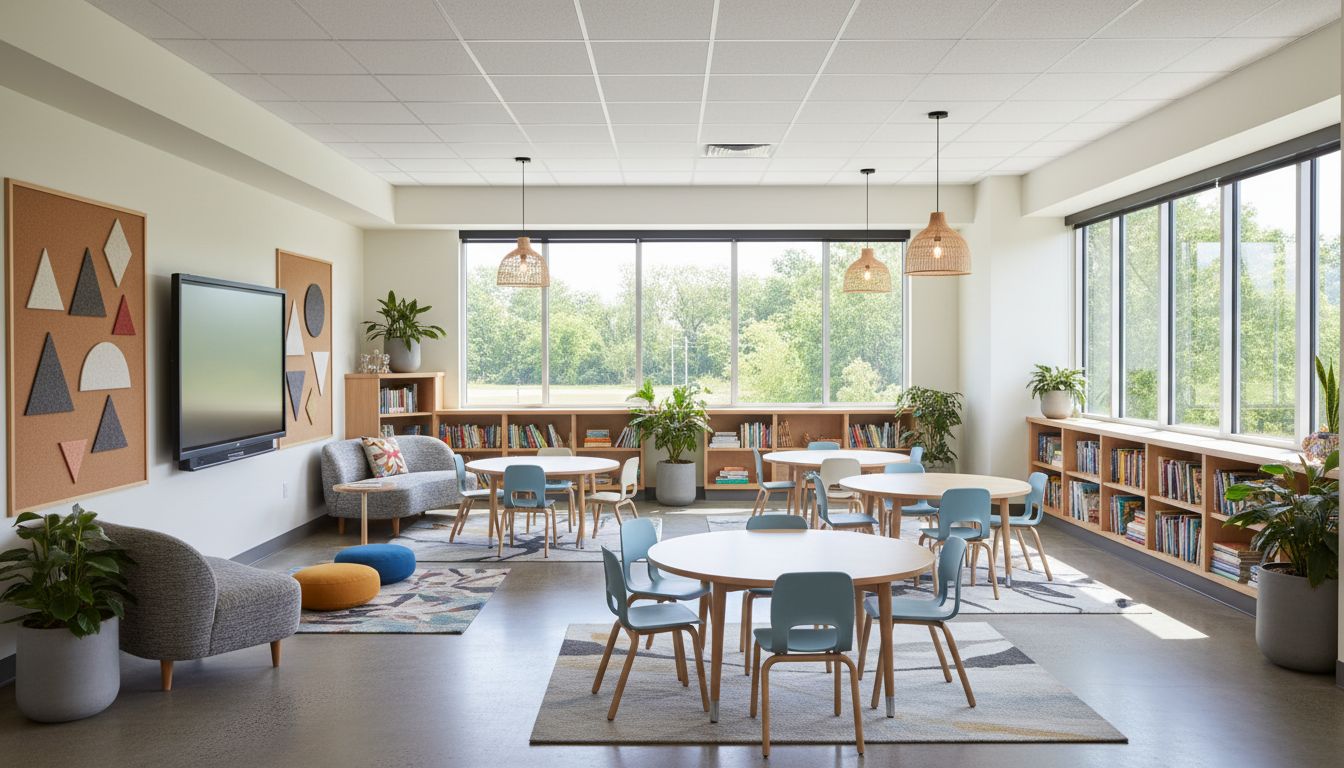
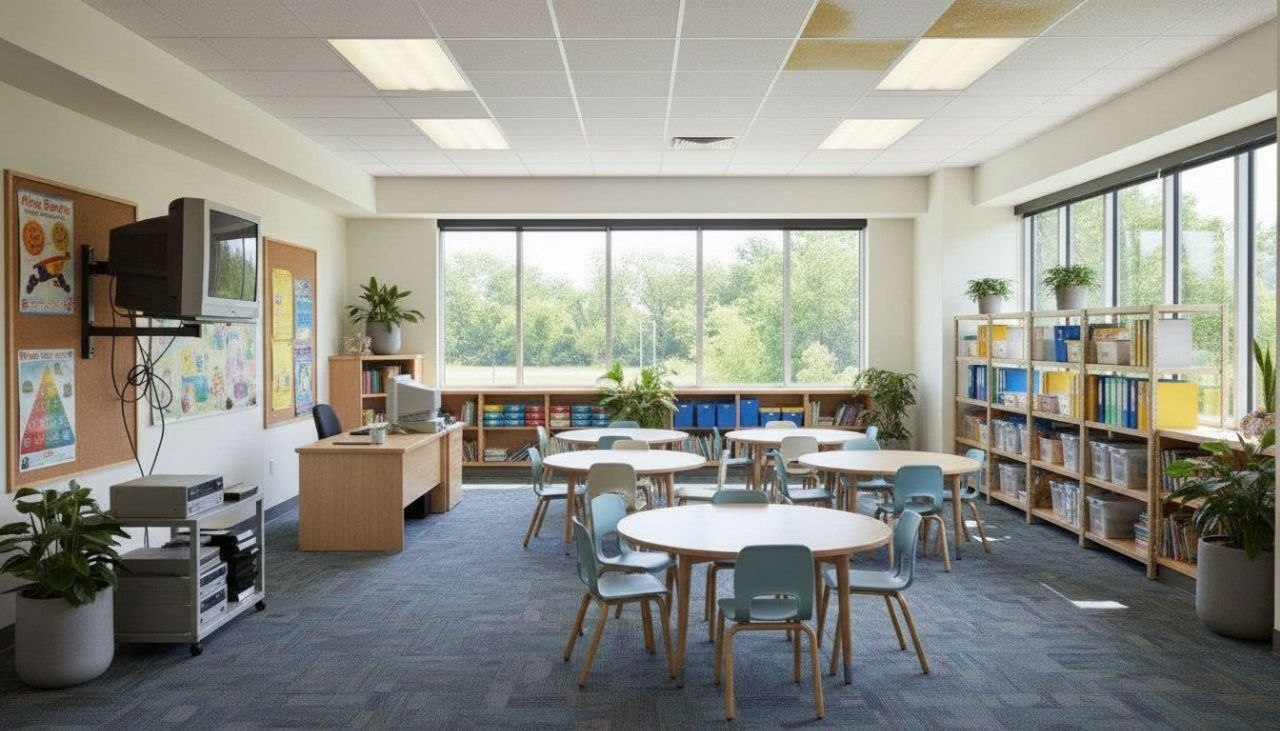
A great classroom redesign starts with one honest question: where does the teacher actually stand, and can every student see them without craning a neck? Before you touch paint or pillows, photograph the room from the doorway and from the back corner. RoomGPT redesigns that exact photo in seconds, so you can test a collaborative pod layout against rows or a horseshoe without dragging a single desk. The best rooms balance focus and movement: a clear sightline to the board, a soft reading nook with a low rug and floor cushions, and a maker zone near the sink or window where mess is welcome.
Color does heavy lifting here. Skip the primary-rainbow overload that exhausts young eyes and overwhelms neurodivergent kids. Lean on a calm base of warm white or soft sage with one grounding accent wall in muted teal or terracotta, then let student work supply the bright color. Keep the wall behind the teacher nearly bare to reduce cognitive load during direct instruction.
Lighting and storage make or break the feel. Aim desks perpendicular to windows to kill screen glare, swap a few harsh fluorescents for warmer 3500K diffused panels, and corral clutter into labeled, low-open bins kids can reach themselves.
Design tips for your classroom
- Arrange seating in collaborative pods of four or a horseshoe for discussion, but keep one clear front sightline so every student sees the board unobstructed.
- Use a calm base of warm white or soft sage with one muted accent wall in teal or terracotta; let bright color come from student work, not the paint.
- Position desks perpendicular to windows so daylight rakes across pages instead of bouncing glare off screens and whiteboards.
- Carve out a reading nook with a low washable rug, floor cushions, and a small bookcase turned outward to display covers face-front.
- Keep the wall directly behind the teacher nearly bare to lower visual noise and help students focus during direct instruction.
- Store supplies in low, labeled, open bins at kid height with rounded-corner furniture to keep traffic flowing and tidy-up independent.
See your classroom in 100+ styles
Tap any style to explore classroom ideas, or open the app to apply it to your own photo.


Redesign your classroom now
Download RoomGPT free and transform your space in seconds.
See how it works

Explore other rooms
Frequently asked questions
What is the best seating layout for a classroom?
It depends on how you teach: pods of four suit group work, a horseshoe suits discussion, and rows suit testing or lecture. Photograph your room and try each layout instantly in the free RoomGPT app before moving any furniture.
What wall colors work best in a classroom?
A calm warm-white or soft-sage base with a single muted accent wall in teal or terracotta keeps energy up without overstimulating students. Reserve bright color for displayed student work rather than the walls themselves.
How do I reduce screen glare and harsh lighting?
Angle desks perpendicular to windows and swap a few cool fluorescents for warmer 3500K diffused panels. You can preview these changes on a photo of your actual room in RoomGPT.
How can I make a classroom calmer for neurodivergent students?
Lower visual clutter with a near-bare wall behind the teacher, a muted palette, and closed or labeled storage. A quiet reading nook with soft seating gives a regulating retreat from the main room.
Can I redesign my classroom without buying anything first?
Yes. Snap a photo and RoomGPT shows the room in 100+ styles and layouts in seconds, so you can decide what's worth the budget before you commit. It's free on iOS and Android.