AI Living Room Design — Redesign Your Living Room From a Photo
Stuck on ideas for your living room? Stop scrolling endless inspiration boards — see your actual space transformed instantly.
Free on iOS & Android
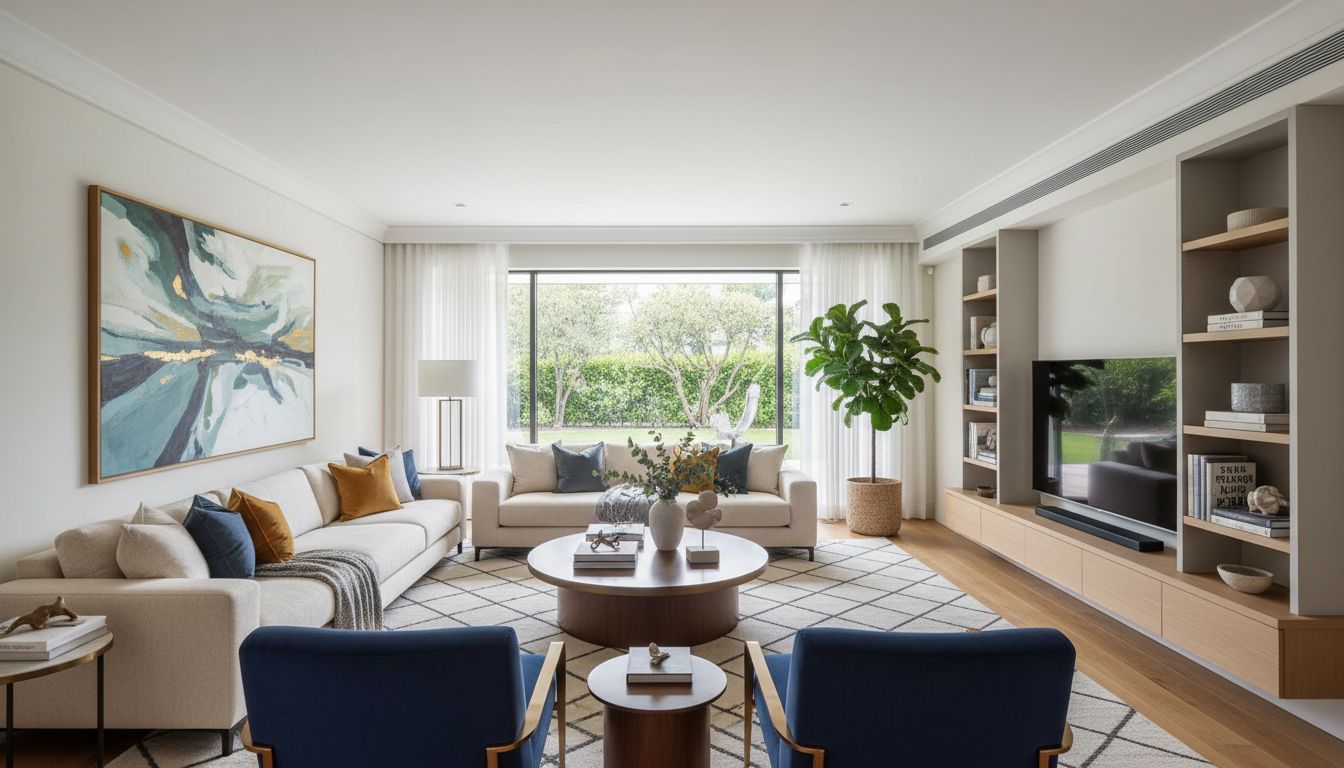
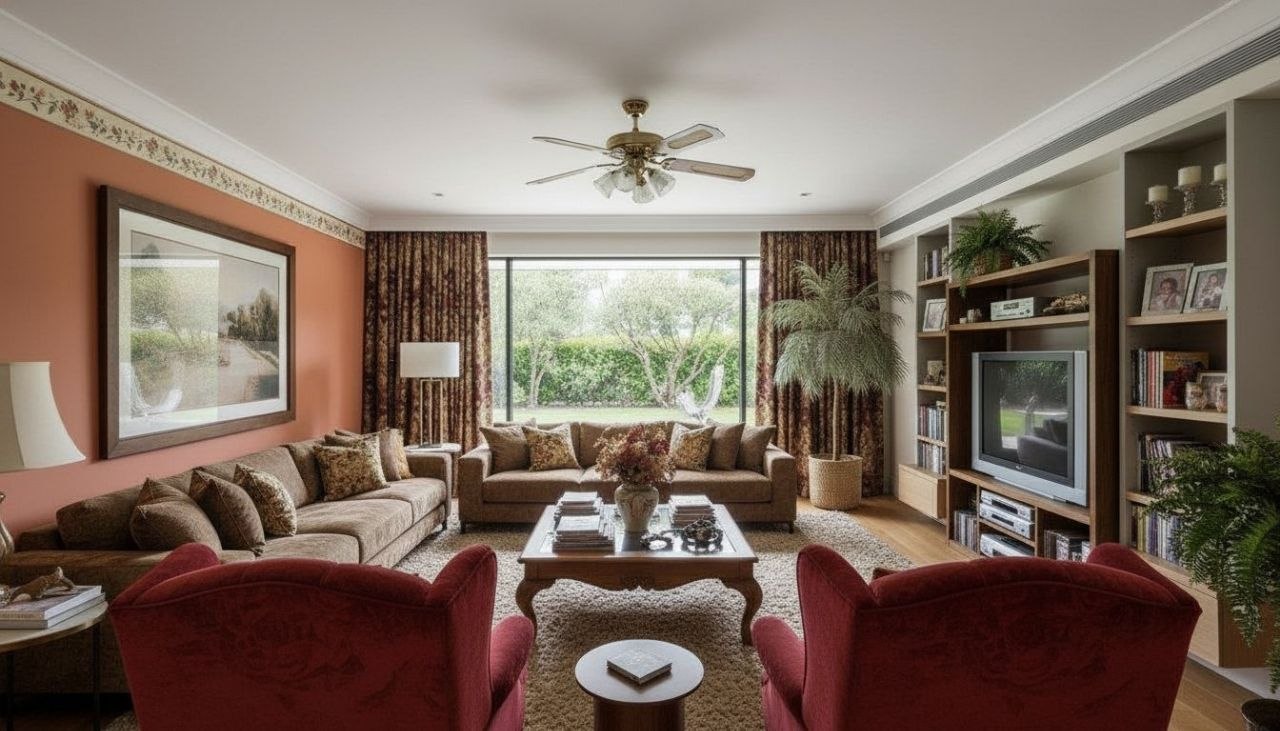
The living room is the hardest room to get right because it has to do three jobs at once: a place to actually relax, a spot that looks good when guests arrive, and a traffic path that doesn't trip everyone up. The classic mistake is shoving every piece of furniture against the walls, which leaves a cold runway of empty floor in the middle. A great redesign almost always pulls the sofa forward, floats it on a rug, and turns the room into a conversation circle where seats are no more than about eight feet apart.
The other thing that separates a styled living room from a furnished one is layers. A single overhead light flattens everything; the rooms you save to a mood board mix a floor lamp, a table lamp, and maybe a wall sconce so the light lands at eye level and casts soft pools instead of one harsh ceiling glare. Add a clear focal point, usually the TV wall, a fireplace, or a big window, and arrange seating to face it.
This is exactly the kind of spatial judgment that's hard to picture in your head and easy to see once it's rendered. With the free RoomGPT app you photograph your actual living room and watch it reimagined in styles from warm mid-century to airy coastal, so you can test a layout before moving a single cushion.
Design tips for your living room
- Float the sofa off the back wall and anchor it on a rug large enough for the front legs of every seat to sit on it.
- Pick one focal point (fireplace, TV, or window) and angle all seating toward it; keep chairs within eight feet for easy conversation.
- Layer three light sources at different heights: an overhead, a floor lamp in a dark corner, and a table lamp for eye-level warmth.
- Use a coffee table about two-thirds the length of your sofa, leaving roughly 16 inches of legroom between them.
- Hang art so its center sits at 57 to 60 inches, and keep wall art within two-thirds the width of the sofa beneath it.
- Add texture with a chunky throw, a couple of contrasting pillows, and one tall plant to soften hard corners and break up flat walls.
See your living room in 100+ styles
Tap any style to explore living room ideas, or open the app to apply it to your own photo.


Redesign your living room now
Download RoomGPT free and transform your space in seconds.
See how it works

Explore other rooms
Frequently asked questions
How do I redesign my living room layout with AI?
Take a photo of your living room and the RoomGPT app reimagines the whole space, including how the seating could be arranged around a focal point. You can compare several layouts side by side before deciding what to move.
What living room styles can I try?
You can explore 100-plus styles, from mid-century modern and Scandinavian to coastal, industrial, Japandi, and cozy farmhouse. It's easy to run the same room through several looks in the app to see which suits your space.
Will it keep my room's real proportions and windows?
Yes, the redesign is generated from your own photo, so it respects the existing walls, windows, and rough dimensions while restyling the furniture, color palette, and lighting around them.
Can it help with a small living room?
Absolutely. Small rooms benefit most from seeing options first, since the right rug size, lighter palette, and a leaner sofa can make a space feel bigger. Try a few versions in the RoomGPT app before you commit.
Is RoomGPT free, and how fast is it?
RoomGPT is free to download on iOS and Android, and most redesigns come back in seconds. You can snap your living room and start seeing styled versions almost immediately.