AI Conference Room Design — Redesign Your Conference Room From a Photo
Reimagine your conference room in seconds. Snap a photo and RoomGPT's AI returns a fully redesigned room in the style you choose.
Free on iOS & Android
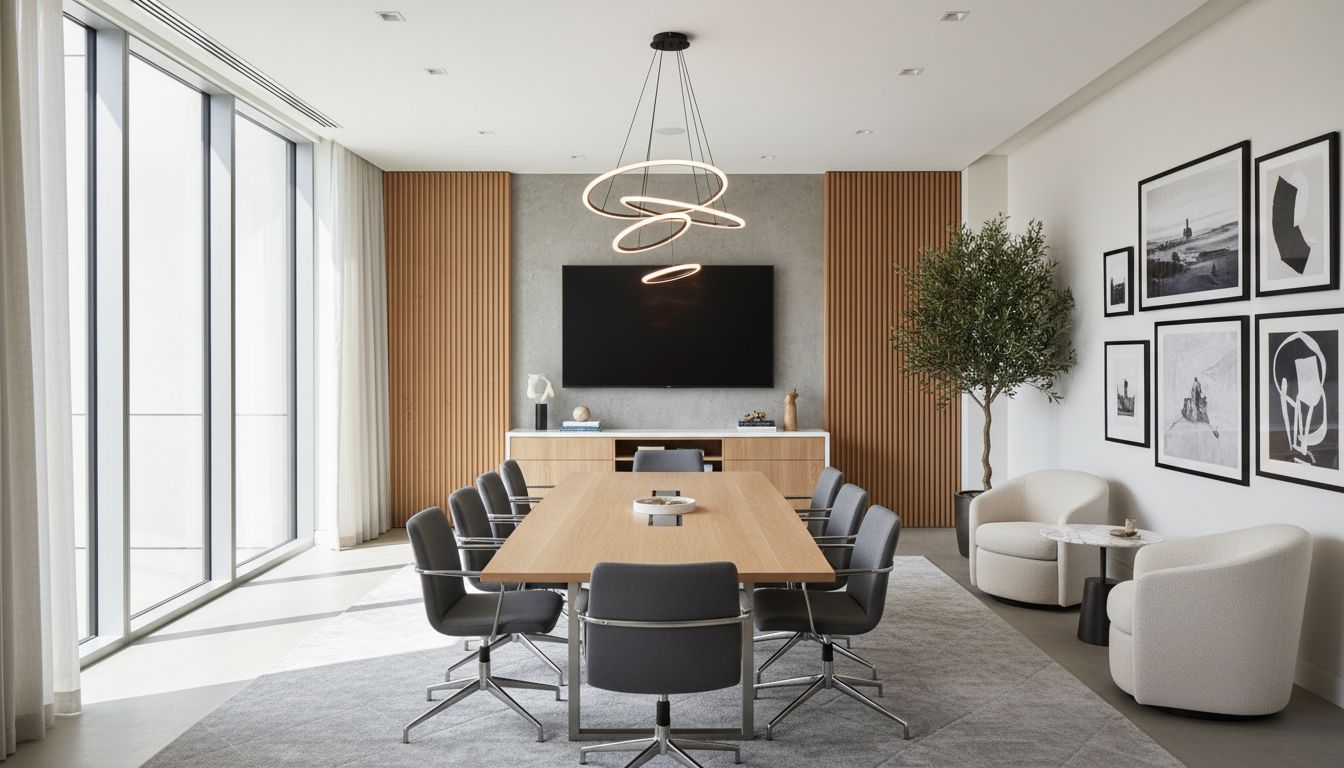
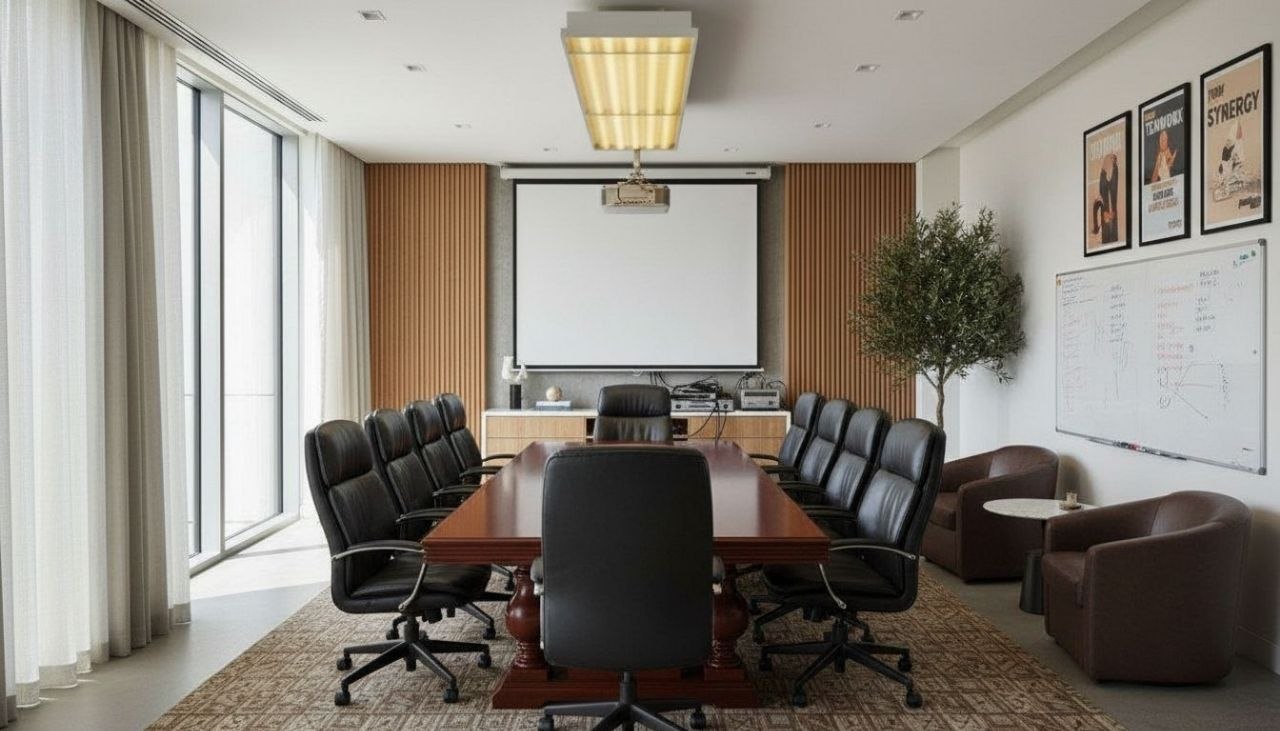
A conference room has one job the rest of your office doesn't: it has to make a dozen people feel focused, equal, and at ease around a single table, while looking sharp on camera. That's a tall order, and it's why so many boardrooms end up as a sea of gray laminate, harsh overhead troffers, and one squeaky chair nobody admits to. RoomGPT lets you photograph your actual meeting room and see it reimagined in over 100 styles in seconds, so you can test bold ideas before spending a dollar on furniture.
The fundamentals matter more here than in almost any other space. Get the table-to-room ratio right (leave at least 36 to 42 inches of clearance behind every chair for circulation), bias your lighting toward soft, even, indirect sources to kill the under-eye shadows that wreck video calls, and choose a feature wall that reads well behind a presenter without distracting from the screen. A boat-shaped table improves sightlines for ten-plus seats; a round table flattens hierarchy for smaller, candid huddles.
RoomGPT makes it effortless to compare a warm, biophilic huddle room against a crisp, executive boardroom on the exact same footprint, then carry the winning direction to a designer or contractor.
Design tips for your conference room
- Center a 10-12 foot boat-shaped table so curved edges give every seat a clear line to the display; keep 42 inches of walk-around clearance on all sides.
- Mount the main display at seated eye level (center around 48-52 inches off the floor) and put a 4-6K-lumen-capable matte finish on the wall behind it to cut glare.
- Light with layered indirect sources: a perimeter cove or linear pendants over the table, plus a soft front-facing wash so faces read evenly on video, not lit from above.
- Wrap one wall in felt acoustic panels or fluted wood to tame echo; aim to cover at least 20-25 percent of wall area in soft, sound-absorbing material.
- Anchor the palette in a calm neutral base (warm greige, soft white) with one confident accent like deep teal, forest green, or oxblood on the feature wall behind the presenter.
- Add a low credenza for cable management and a tray of glasses, and bring in two or three real plants near the window to soften the hard table-and-screen geometry.
See your conference room in 100+ styles
Tap any style to explore conference room ideas, or open the app to apply it to your own photo.


Redesign your conference room now
Download RoomGPT free and transform your space in seconds.
See how it works

Explore other rooms
Frequently asked questions
What's the ideal conference table shape and size?
Match shape to use: round or square tables flatten hierarchy for four to six people, while boat-shaped or rectangular tables give better sightlines for eight or more. Leave 36 to 42 inches of clearance behind every chair, and in RoomGPT you can preview several table styles on your real room before committing.
How do I make my conference room look good on video calls?
Prioritize soft, even, front-biased lighting over harsh overhead fixtures, keep a clean uncluttered wall behind the head of the table, and avoid busy patterns or strong backlight from windows. Try a few lighting and feature-wall looks in the free RoomGPT app to see what flatters faces on camera.
What colors work best in a boardroom?
A calm neutral base of warm greige or soft white keeps the room from feeling stuffy, with a single grounded accent such as deep teal, forest green, or oxblood on the presenter wall. RoomGPT can show the same room across many palettes so you can judge the mood instantly.
How can I cut echo and noise in a meeting room?
Hard glass and laminate surfaces bounce sound, so add acoustic felt panels, fluted wood, fabric chairs, and a rug to absorb it; covering roughly a quarter of your wall area in soft material makes a big difference. You can visualize paneled and warmer-material versions of your room in RoomGPT first.
Can I redesign my conference room without hiring a designer first?
Yes. Photograph the room and let RoomGPT generate redesigns in 100+ styles in seconds, so you can lock a clear direction and reference images before involving a designer or contractor. The app is free on iOS and Android.