AI Gaming Room Design — Redesign Your Gaming Room From a Photo
Stuck on ideas for your gaming room? Stop scrolling endless inspiration boards — see your actual space transformed instantly.
Free on iOS & Android
A great gaming room is engineered, not just decorated. The whole space lives or dies on glare control: a window directly behind or in front of your monitors throws reflections across the panel and washes out dark scenes, so the smartest layouts put the desk perpendicular to the window and lean on layered, dimmable light instead of one harsh ceiling fixture. Paint matters more than people expect, too. Deep, low-reflectance walls like charcoal, slate blue, or near-black eggplant stop light from bouncing back at the screen and make RGB accents actually read as accents rather than competing with a bright white wall.
The other half of the equation is sound and ergonomics. Hard parallel walls create flutter echo that wrecks mic clarity, so a few acoustic panels at first-reflection points, a rug under the chair, and some soft mass on the wall behind you do real work. Then the build-out: a sit-stand desk at the right depth, a monitor arm to reclaim surface, bias lighting strung behind the display to cut eye strain, and a genuine cable-management plan so the floor stays clean.
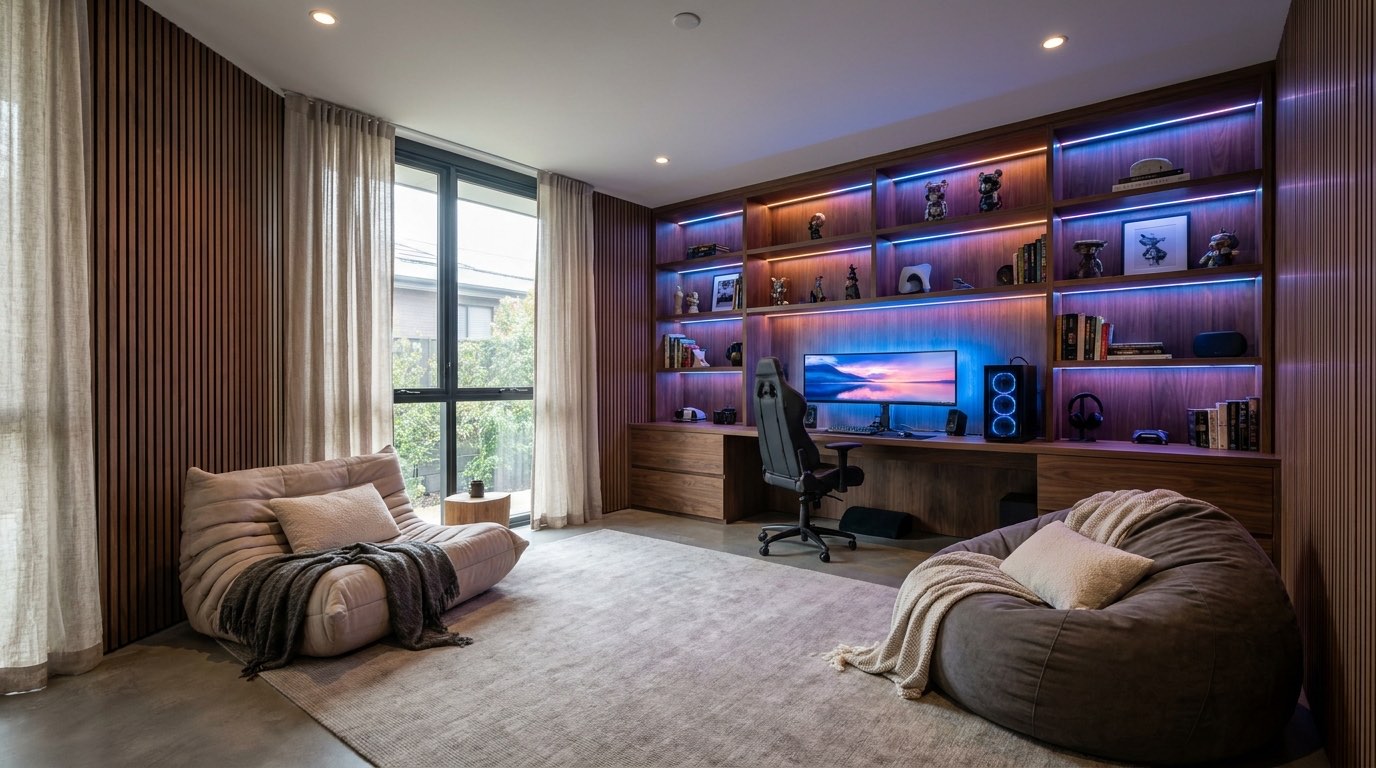
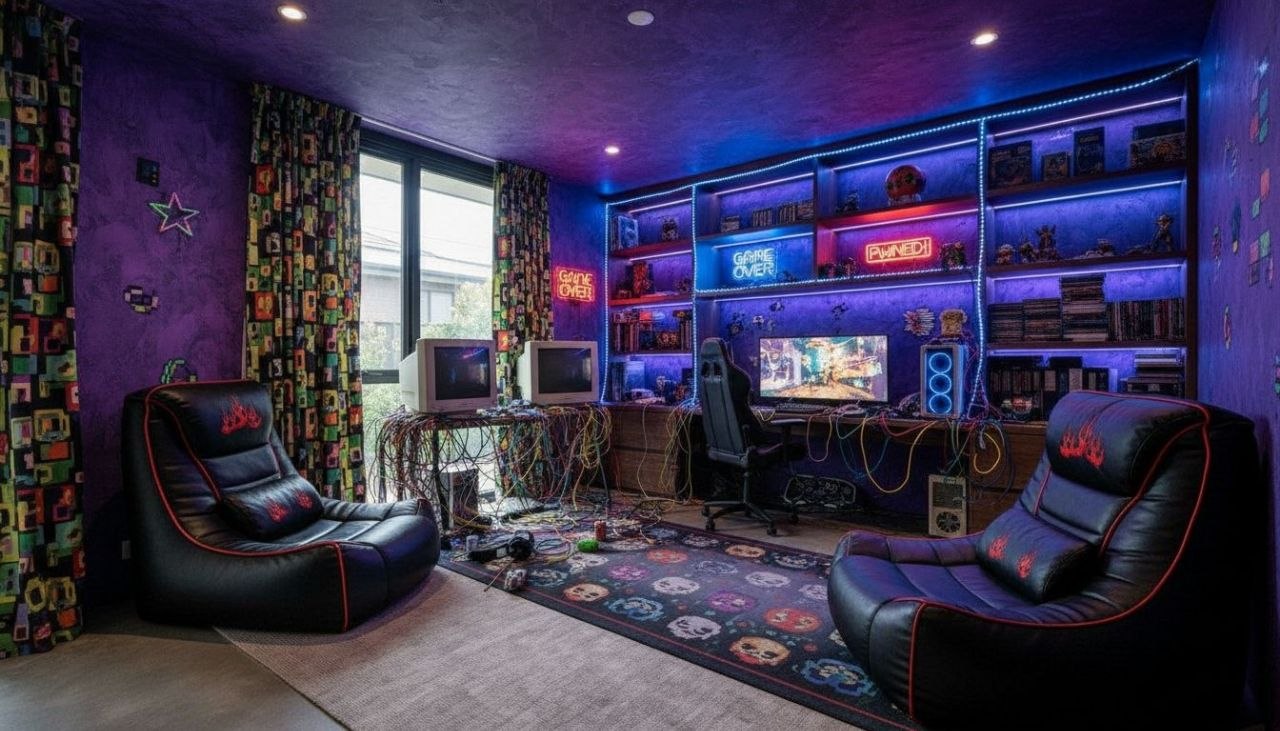
It's a lot to picture at once. RoomGPT lets you photograph your current room and instantly see it redesigned in dozens of directions, so you can test a moody battlestation or a clean minimal setup before spending a dollar.
Design tips for your gaming room
- Place your desk perpendicular to windows, never facing or backing them, so daylight rakes across the room instead of glaring on or behind your monitors.
- Paint walls in low-sheen charcoal, deep slate blue, or near-black so they absorb light, kill screen reflections, and let RGB accents pop.
- Add 4 to 6 acoustic panels at first-reflection points plus a thick rug to tame flutter echo and sharpen your mic and headset audio.
- Run a warm 6500K-or-lower bias light strip behind the monitor to reduce eye strain and raise perceived contrast during long sessions.
- Mount monitors on a single or dual arm clamped to the desk to free up depth, get the top of the screen at eye level, and hide the stands.
- Plan cable management with under-desk trays, a power strip mounted to the frame, and Velcro ties so the floor reads clean, not chaotic.
See your gaming room in 100+ styles
Tap any style to explore gaming room ideas, or open the app to apply it to your own photo.


Redesign your gaming room now
Download RoomGPT free and transform your space in seconds.
See how it works

Explore other rooms
Frequently asked questions
What colors work best for a gaming room?
Lean on deep, low-reflectance tones like charcoal, slate blue, or near-black to absorb stray light and stop glare on your screens. Reserve bright color for controlled RGB accents and a single feature wall. You can try these palettes on your own room in the free RoomGPT app before committing to paint.
How do I reduce glare on my monitors?
Position the desk so windows are to your side rather than in front of or behind the display, use blackout or roller shades, and choose matte wall paint. Layered dimmable lighting beats a single bright overhead fixture for evening sessions.
How can I improve the sound in my gaming room?
Break up hard parallel surfaces with acoustic panels at first-reflection points, add a rug under your chair, and put soft mass on the wall behind you. This cuts flutter echo and noticeably cleans up your microphone and headset audio.
What is bias lighting and do I need it?
Bias lighting is a soft light strip placed behind your monitor that illuminates the wall, reducing the harsh contrast between a bright screen and a dark room. It eases eye strain on long sessions and makes the picture look higher-contrast.
Can I redesign my gaming room without buying anything first?
Yes. Snap a photo of your current setup in the free RoomGPT app and instantly see it reimagined in dozens of styles, from moody battlestation to clean minimal, so you can compare directions before spending money on furniture or paint.